Underwear brands should explain a lifecycle label through 3 linked actions: compare the functional area with its reference, inspect fit and construction, and choose whether to keep wearing, repair or replace. Put the same instruction on the package, product page and support reply. Configure the cue for the garment’s care and use conditions, not a universal hygiene date.
Start with the wearer’s decision
Tell customers what to compare and what the configured stage means for this product. For an inspection configuration, the instruction may be: “Compare the changing area with the reference, then check the waistband, leg openings and seams; continue wearing if those checks pass.” For a replacement configuration, state the agreed replacement action at the shown match. Keep ordinary care instructions separate and easy to find.
Make the cue readable without an app
A Wash-Sun configuration may move from blue toward pink; Wash-Dry may move from yellow toward purple or light purple. Show the actual configuration on the garment and pack. The cue remains on the product; it does not send a wash history, exact count or automatic message. If a customer is unsure, support should ask for the style, photo and wash/dry routine before interpreting the reading.
Show the comparison in ordinary light, using the changing and reference areas on the same label. Pair colour with words, arrows or a shape change where the design supports it, and provide a support route for wearers who cannot reliably distinguish the colours.
Choose placement on the finished garment
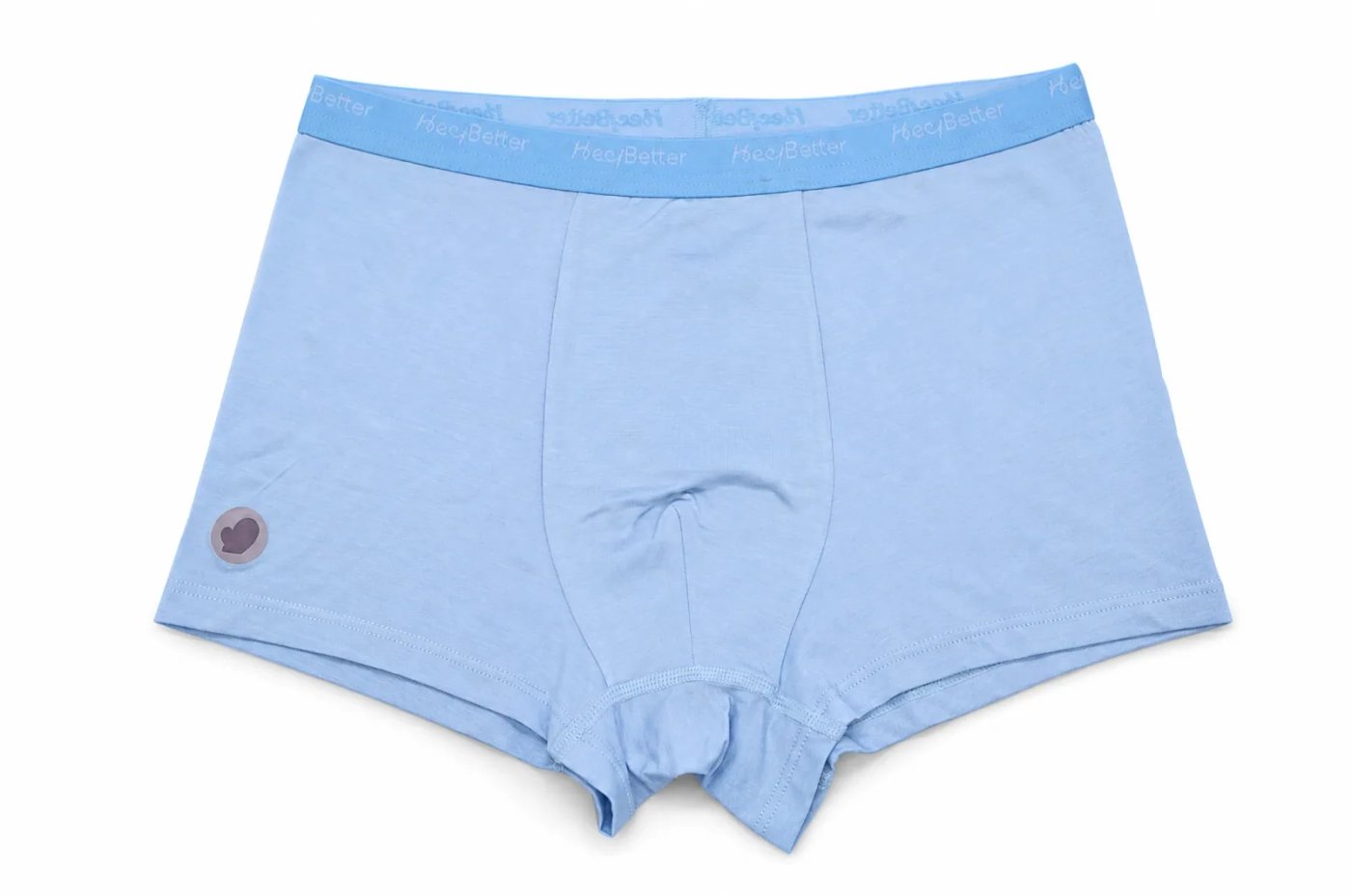
Compare 2 accessible positions on the actual underwear: for example, a flat area near the care label and the inner waistband. Check the cue at rest and during expected stretch. A sewn carrier can create an edge; a transfer can distort or lift. For bras, compare a lining or seam location with the closure area and keep both functional and reference areas visible. Test comfort, readability and attachment after the intended care.
Compare a side-seam position for edge contact and folding, a waistband position for stretch distortion, and a flatter heat-transfer location for visibility and adhesion. Check small and large garment sizes and compare otherwise matching garments with and without the carrier. Record comfort, attachment and readability separately.
Set the configuration around real use
Share the expected frequency, washing and drying route, environment and intended inspection or replacement point. Leafclock can discuss a target number of wash-and-sun-dry or wash-and-tumble-dry cycles, or an intended replacement interval. The target is a configuration input; it is not a promise that every wearer reaches the same state on the same date.
Align package, support and product quality
Show a close view of the exact changing and reference areas. Ask someone unfamiliar with the style to point to both and explain what they would do if the pair still fits. Record misunderstanding separately from a garment fault. If the same question repeats, revise the pack and support reply together. A damaged waistband or opened seam remains a product issue to assess directly.
On a belly band or carton, put the same short comparison instruction next to the picture of the label. Ask a reader to locate both areas on the garment using that packaging alone, then say which action the cue prompts.
Keep product guidance separate from health claims
For covered U.S. apparel, retain the ordinary care instruction required by the FTC Care Labeling Rule. Evaluate any health claim separately against the FTC health-products guidance; a lifecycle cue does not establish such a claim.
Do not say the cue detects bacteria, proves hygiene or diagnoses a skin concern. For a health question, provide normal product information and direct the person to appropriate clinical advice. The brand benefit is clearer post-purchase communication, a differentiated product experience and a testable route to reasonable replacement or repeat purchase—not a medical promise.
Frequently asked questions
Should the pack tell customers to replace underwear as soon as the colours match?
Yes, when that is the action defined for this product. State the check and next action the configured stage is meant to prompt; do not turn it into a universal expiry date.
Can the brand see a customer’s colour cue automatically?
No. The colour appears on the garment; a customer can describe it or share a photo when requesting help.
What should a brand bring to a sample discussion? Bring the finished style, fabric, care route, candidate positions and the intended wearer action.
Show a real carrier and product example
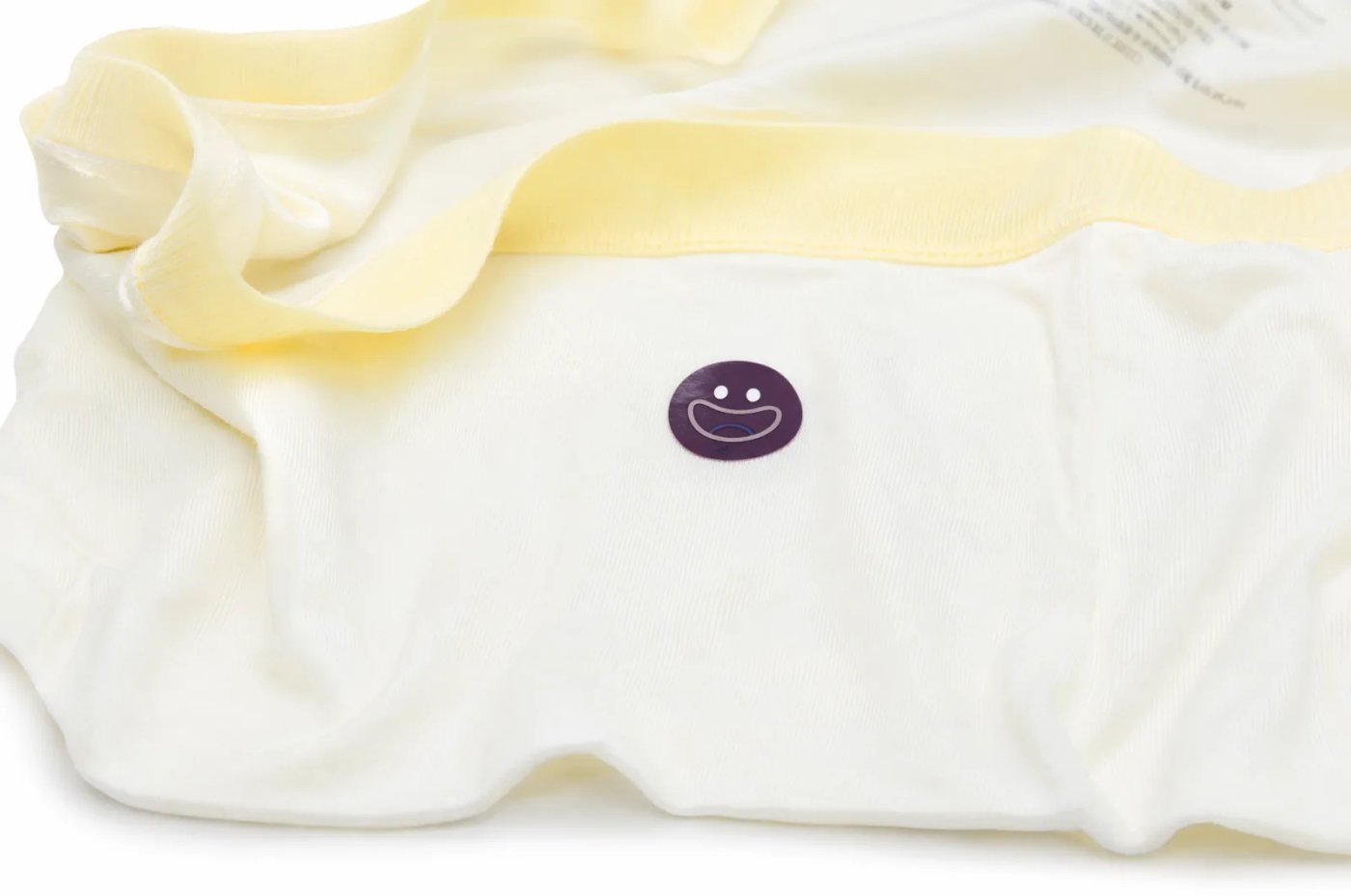
In Leafclock’s Aimer intimatewear case, a printed purple smile on the front panel below the yellow waistband becomes a pink frown; it is a printed feature rather than a separate sewn tab. The implementation shows how shape and colour can work together. Check the graphic at actual print size and expected stretch, then evaluate your own garment and care route before selecting a carrier.
Give the brand a clear commercial next step
A cue can support a defined replacement point and a clearer post-purchase reason to return to the product. Tell the customer whether the configured stage means inspect, continue wearing, repair or replace. For configuration, use the intimate-apparel application, customization route and sample box with the actual garment and care routine.
Discuss the finished product through customization and request a sample box to evaluate the proposed carrier, care route and intended action.
See the related product guidance.